
THE CREATOR'S NOTEBOOK
Wan 5, from first idea to final frame.
A good video begins with a decision: what should the viewer notice first? Explore our Wan 5 guides to turn that decision into a clear visual brief, a focused revision, and a result worth keeping.
Reviewed October 30, 2026
FIND YOUR DIRECTION
Choose what you want to make
Each Wan 5 guide solves a different creative problem. Pick a destination for the video, then work back to its subject, action, and camera move. Start with a recipe and adapt it to your own project.
START WITH WORDS
Prompt library
Original recipes for the videos you actually want to make.
Explore guide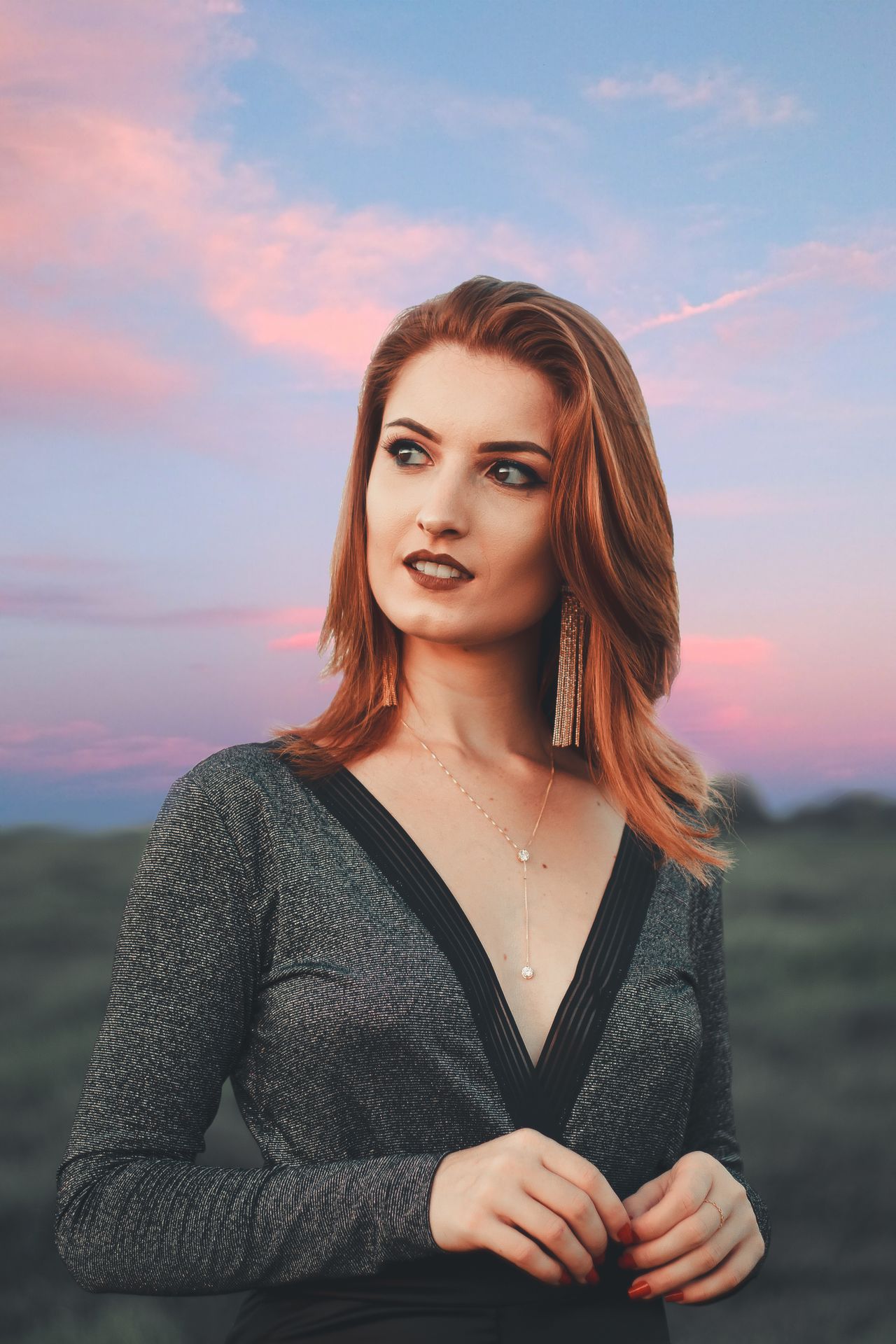
FACES & PERSONAL STYLE
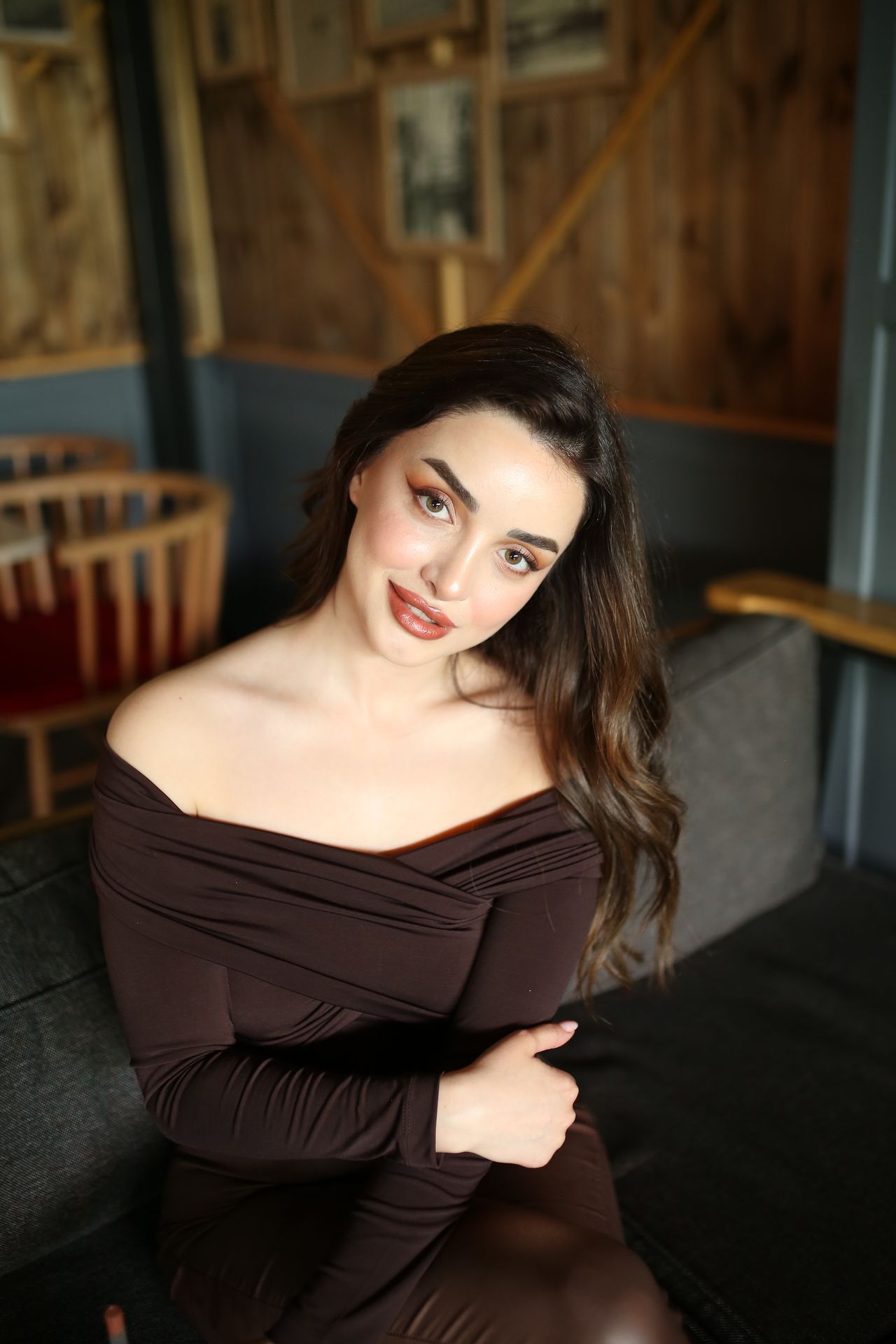
Portrait video
Cafe light, flash moments, and a portrait that feels intentional.
Explore guide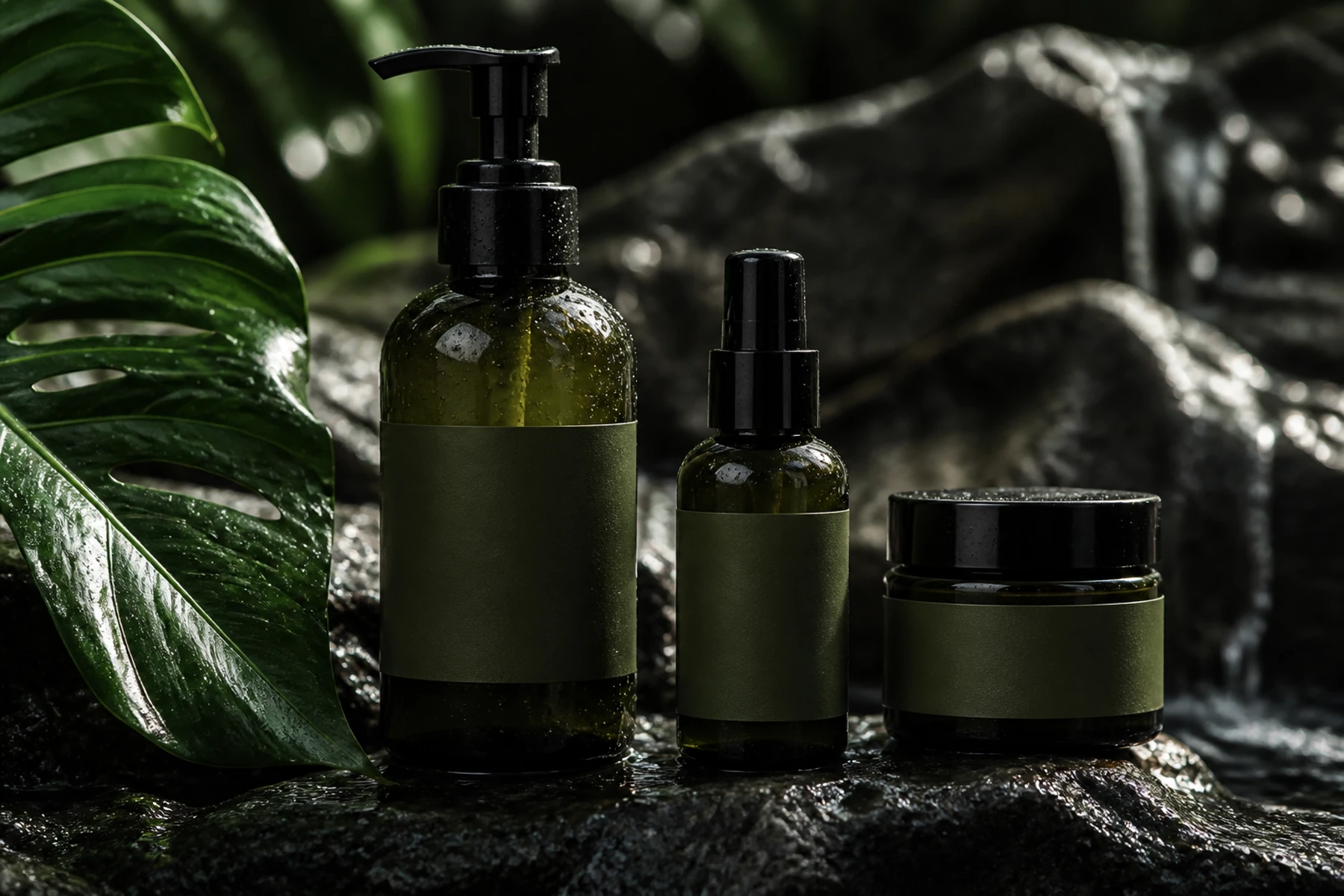
SMALL BRANDS, BIG IDEAS
Product video
Beauty launches, still lifes, and product scenes with a clear focal point.
Explore guide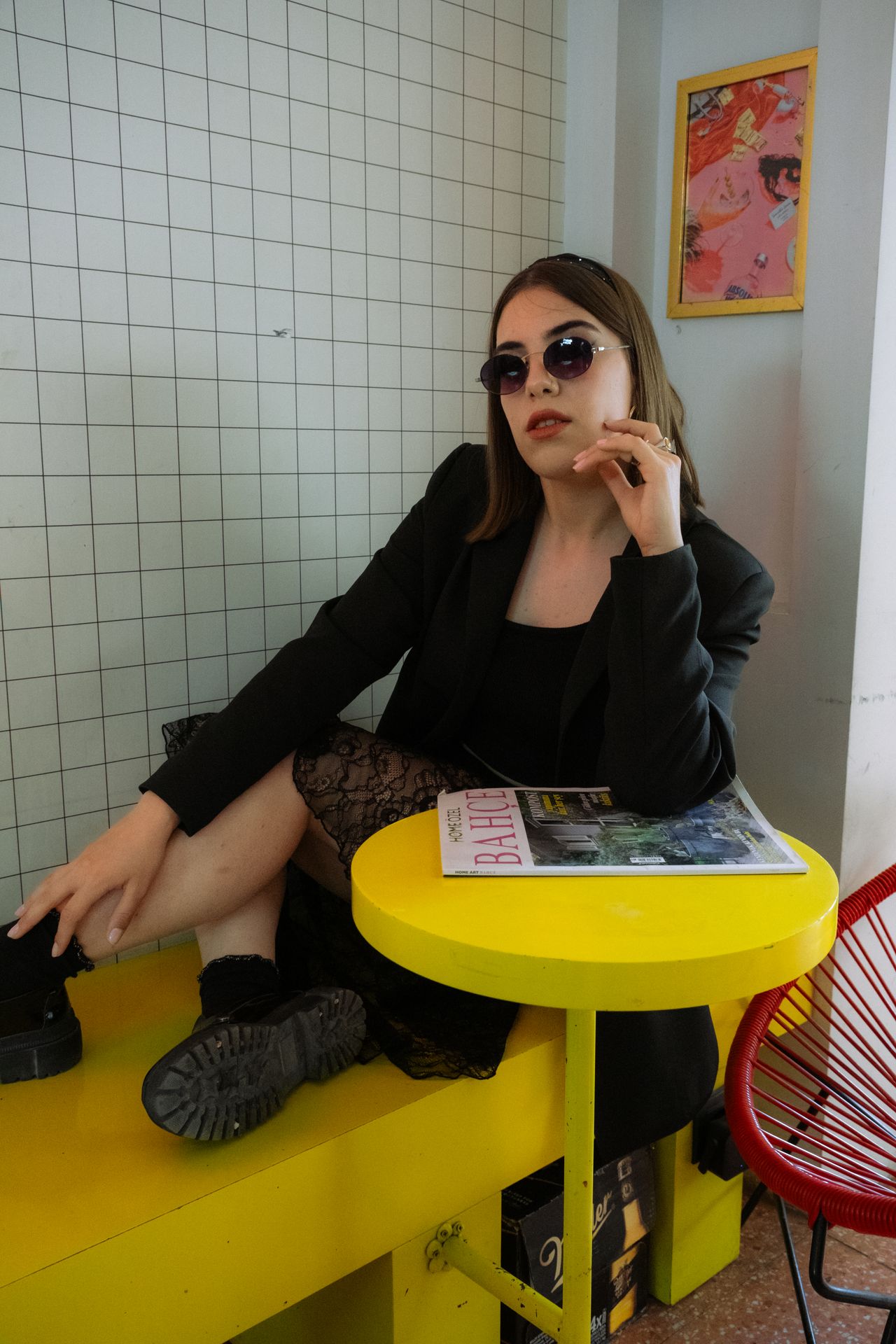
KEEP THE GOOD PART
Reference video editing
A practical keep-and-change method for reference-led revisions.
Explore guide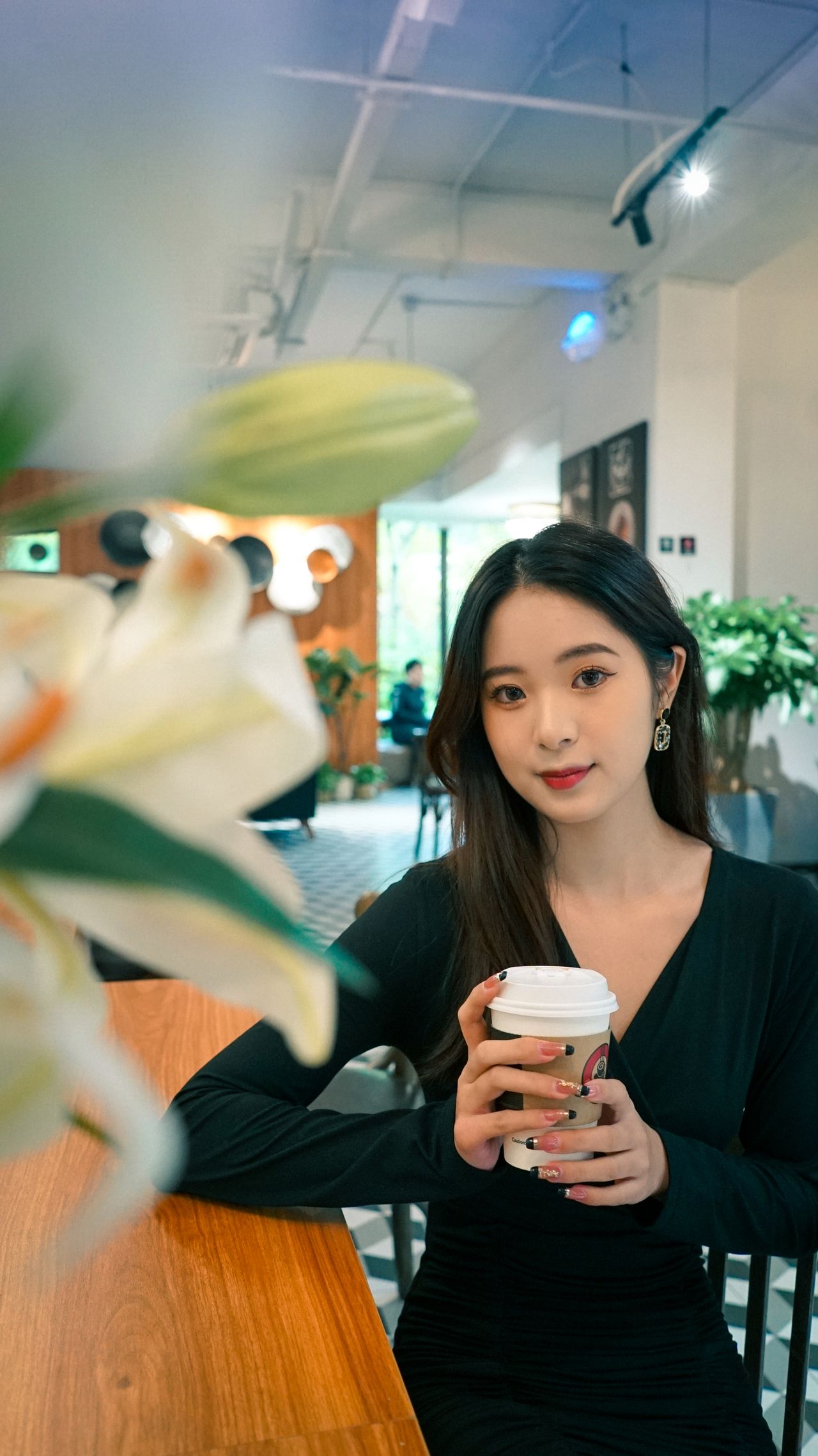
MADE FOR THE FEED
Social media visuals
Creator covers, launch moments, and a visual idea that reads on a phone.
Explore guideA little direction goes a long way
One shot, one job
A product hero needs room for an offer. A portrait needs an expression that reads at thumbnail size. A cover needs a clear focal point. Give your Wan 5 brief one main purpose before adding more detail.
Keep the useful details
Name the subject, action, camera move, and lighting. Separate what should stay from what should change when editing a reference. Concrete choices make a Wan 5 workflow easier to review than a long list of style adjectives.
Compare with intention
Change one major detail between attempts and keep the rest of the brief consistent. Look at faces, packaging, edges, and motion at full size. Use an external editor for final titles and any finishing work your layout needs.
Q & A
Questions before you create
Where should I start with Wan 5 prompts?
Use the prompt library if you have an idea but cannot describe it yet. Choose shot planning, camera movement, or continuity when you already know the destination. The editing guide helps when an existing video needs one specific change.
Do these guides require a paid subscription?
Reading a Wan 5 guide and preparing a prompt do not consume generation credits. Generating a video requires an account with enough credits for the selected request. Plans and one-time packs are listed on the pricing page.
Are the videos generated with Wan 5?
The videos are creative references for composition, action, and light. They are not verified Wan 5 outputs. The workbench shows the actual selected model so you can make an informed choice before generating.
YOUR NEXT FRAME
Bring your own point of view.
Choose a recipe, adjust its details, and review the model and cost in the workbench. Opening a prompt does not start a paid generation.
Open video workbench ↗